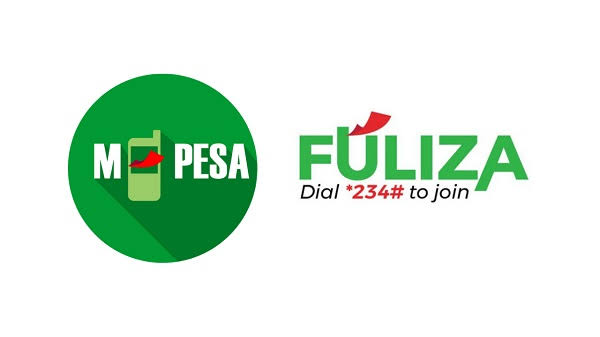
Have you ever tried to send money, pay a bill, or buy goods via M-Pesa only to find out you are short on cash? Fuliza is an instant M-Pesa overdraft service that lets you complete your transactions smoothly without delay.
Instead of applying for cash into your wallet, Fuliza automatically kicks in during a payment to cover the exact shortfall.
Quick Features & Limits:
-
Loan Amount: You can get an overdraft limit from Ksh 100 up to Ksh 70,000 based on how actively you use M-Pesa.
-
Repayment: There is no strict calendar due date. However, repayment is automatic. Any money deposited or received into your M-Pesa account will instantly go toward clearing your balance.
-
Fees: A 1% initial access fee applies when you use the service. For daily maintenance, overdrafts under Ksh 1,000 offer a 3-day fee-free grace period. After 3 days (or for amounts above Ksh 1,000), a small daily fee applies until you clear the debt.
How to Activate Fuliza:
-
Dial
*334#or*234#on your Safaricom phone line. -
Select Loans and Savings.
-
Select Fuliza M-PESA and click Opt-In.
-
Once activated, whenever your M-Pesa balance falls short while sending money, paying via Paybill, or buying goods at a Till Number, M-Pesa will prompt you to complete the transaction using Fuliza.
Pros and Cons:
-
The Good: It saves you from embarrassment or delays at checkout counters when cash is low. It is instant and requires zero paperwork or manual loan requests.
-
The Catch: Because any money sent to your M-Pesa immediately pays off the debt, you cannot hold funds in your wallet until the Fuliza balance is cleared.
Tips to Increase Your Limit:
-
Transact Frequently: Use M-Pesa regularly for buying airtime, paying merchant bills, and sending funds.
-
Clear Balances Early: Pay back your overdraft quickly to demonstrate good credit health to Safaricom and its partner banks.
Would you like me to move on to drafting the seco